When the lights go out during a Middle Tennessee storm, a smart lock can suddenly feel less reassuring. Will the keypad still accept a code? Will the app work? What happens if the smart lock battery dies at the same time?
My short answer is that a household power outage, an internet outage, and a dead lock battery are three different problems. Many residential smart locks run on their own batteries, so losing electricity to the house does not automatically stop the keypad or unlock the door. However, remote app control, alerts, and voice-assistant features may stop when the router, internet connection, or smart-home hub loses power. If the lock’s own battery is dead, the available backup depends on the exact model.
Before the next storm, I recommend learning which functions are local to your door and which depend on the network. A five-minute test now is much easier than troubleshooting in the dark.
The four power problems people often mix together
Start by identifying what has actually failed.
- The house has lost electricity. A battery-operated lock may continue to accept locally stored codes and operate normally.
- The router, internet service, or hub is offline. The lock may still work at the door, while remote commands, notifications, history updates, and voice control become unavailable.
- The phone has no power or cellular service. App access may be unavailable even though the keypad, fingerprint reader, key, or another model-specific entry method still works.
- The lock’s batteries are low or dead. The motor, keypad, wireless radio, or other features may slow down, shut off in stages, or stop. This is the condition that requires the lock maker’s documented backup method.
Those distinctions matter because random resets can make a simple outage harder to solve. If the lock still accepts a normal local credential, leave its programming alone.
Do smart locks work without house power?
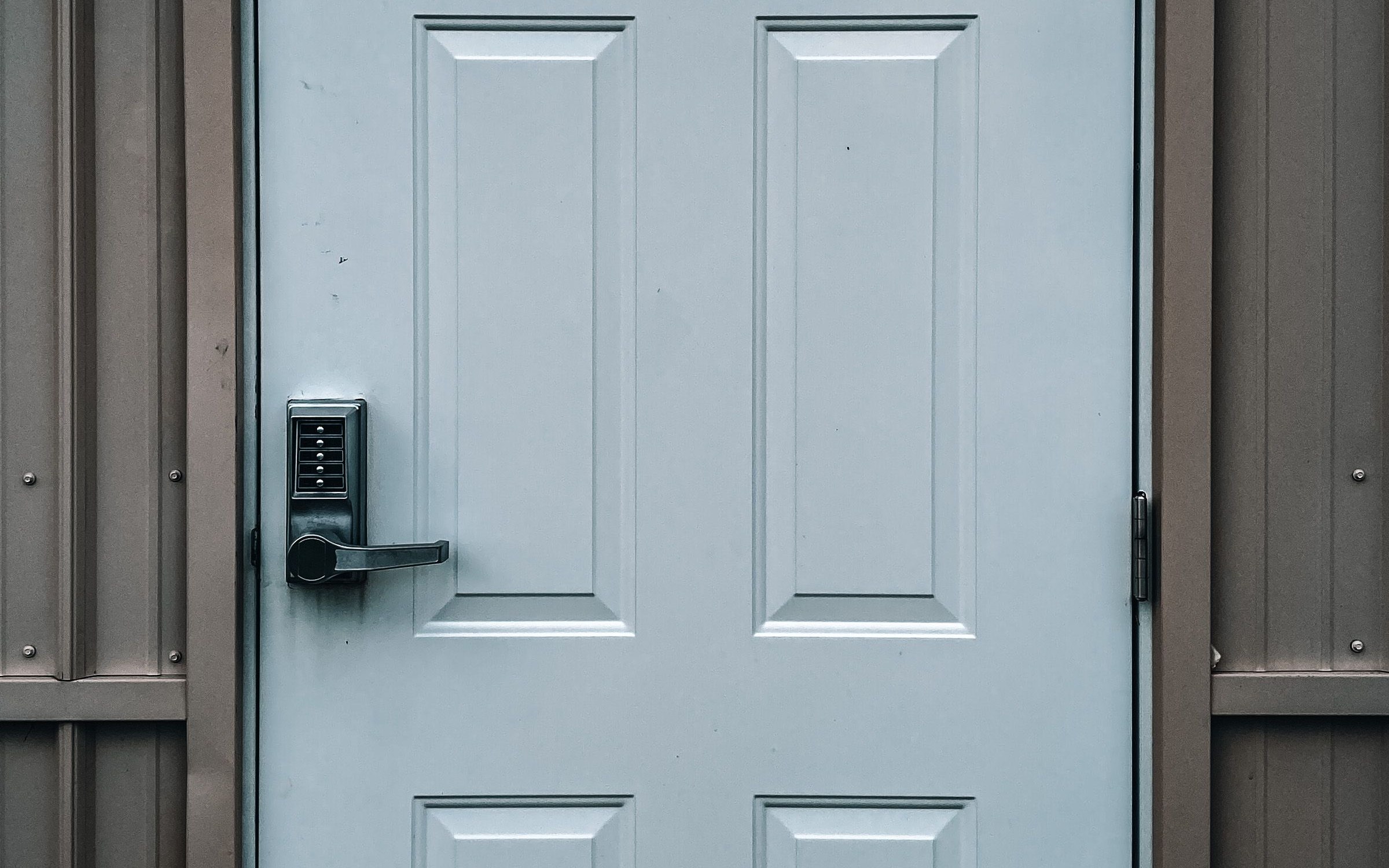
Many residential smart deadbolts and keypad locks are battery operated. Schlage’s official guidance says its smart locks continue to work during a power outage because they use batteries. That is a useful general example, but it is not a promise for every electronic lock on every door. Wired access-control hardware, electric strikes, magnetic locks, apartment systems, and gates may behave differently.
A typical battery-operated deadbolt also does not swing open because the utility power fails. Its physical bolt remains where it was until an authorized person operates the lock or another model-specific event changes its state.
The safe rule is to check the exact model number and current manual. Do not rely on the appearance of the keypad or assume two locks from the same brand behave alike.
What usually stops when Wi-Fi goes down
Wi-Fi is often the path for convenience features rather than the power source for the deadbolt itself. Without a working router and internet connection, you may lose:
- remote locking and unlocking from outside the home;
- real-time alerts and activity history;
- remote code creation or schedule changes;
- voice-assistant commands; and
- status checks through a cloud service.
Locally stored access may continue. Kwikset, for example, says programmed codes on its Halo Keypad remain stored if Wi-Fi becomes unavailable, while the app cannot communicate with the lock without an active internet connection. That does not establish the behavior of another brand or model, but it shows why “the app is offline” does not always mean “the door lock is dead.”
If you use a separate bridge or smart-home hub, add that device to your outage plan. A battery-powered lock can be fine while an outlet-powered bridge is offline.
What happens if the smart lock battery dies?
Low battery and dead battery are not the same stage. Many locks warn through lights, sounds, the keypad, or the app before they stop operating. Some models preserve basic local functions by turning off power-hungry features first. Kwikset’s current support information, for example, says critically low battery can disable Wi-Fi and remote functions on certain Halo models.
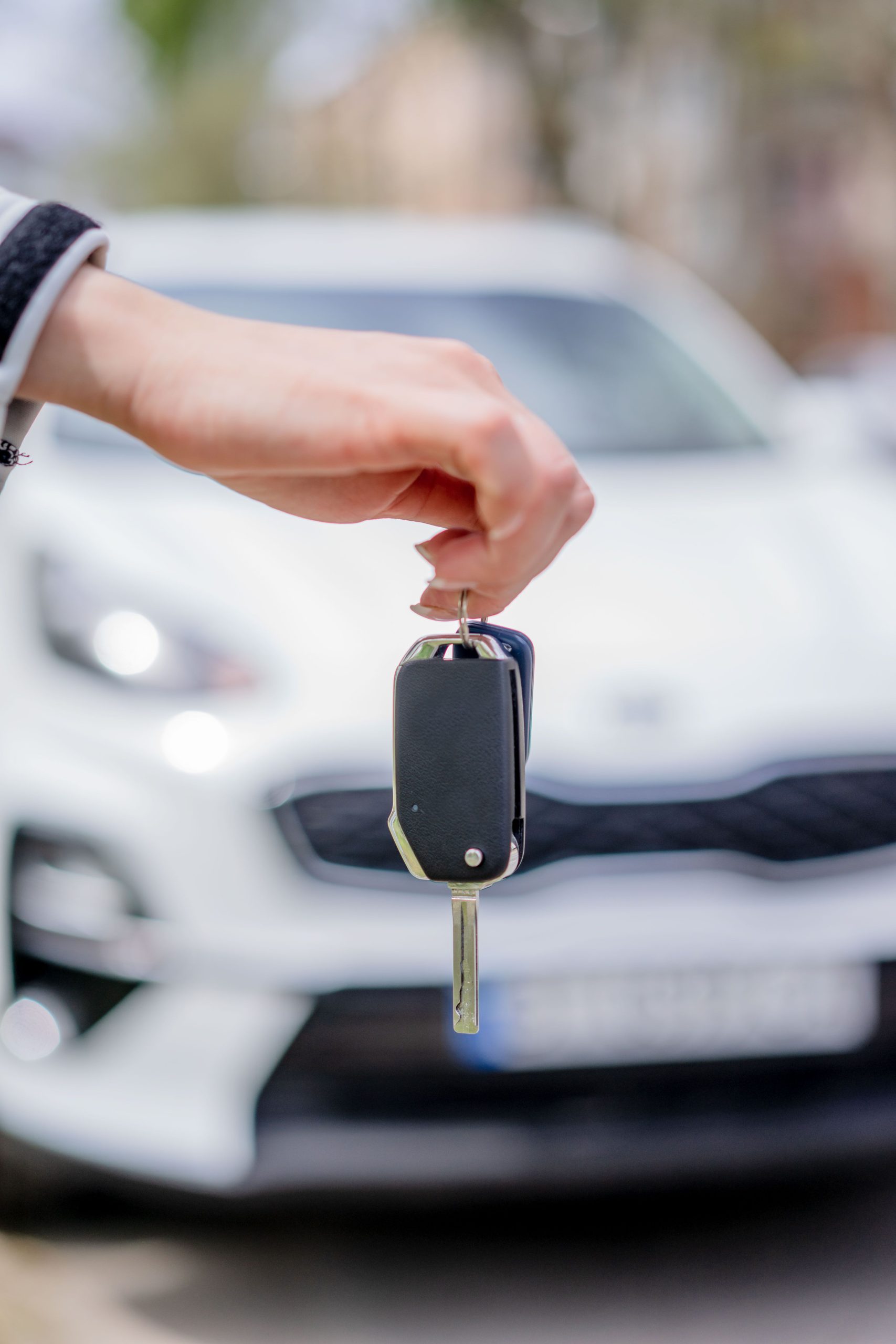
Once the lock batteries are fully depleted, use only a backup method documented for that exact lock. Depending on the product, that may be a physical key, an external emergency-power contact, or another manufacturer-approved method. Some keyless models do not have a conventional keyway. Keep the manual or official support page accessible from a phone even when the home network is down.
If you do not have the documented backup or it does not work, contact the manufacturer or a qualified locksmith. Do not force the lever, pry the door, remove exterior hardware, or follow an improvised bypass video.
A practical Middle Tennessee outage checklist
Middle Tennessee Electric advises members to prepare for severe weather with extra batteries and portable phone chargers, keep contact information current, and use its official outage channels. For MTE-served homes, outage reports and updates are available through the myMTE app, web portal, outage line, and member-support line. Other local utilities have their own systems, so save the correct one for your address.
Add these lock-specific steps to your normal storm plan:
- Find the exact lock model. Save the current manual and manufacturer support number.
- Check the battery status. Replace batteries when the lock warns you, using the type and replacement procedure specified by the manufacturer.
- Test every authorized entry method. Confirm the keypad, key, fingerprint reader, Bluetooth access, or other feature you actually depend on.
- Keep a backup separate. If the lock has a physical key, store a working spare with a trusted person or in another controlled location—not in an obvious hiding place beside the door.
- Charge the phone and a portable power bank. This helps with outage alerts, manufacturer instructions, and calls even though it does not power the lock’s internal batteries.
- Write down essential contacts. Keep the utility, lock manufacturer, property manager, and locksmith information somewhere that does not require the smart-home app.
- Tell authorized household members the plan. Everyone who may arrive during an outage should know the normal offline entry method without sharing codes more widely than necessary.
This same review fits naturally into a broader Spring Hill home-security checklist, especially before travel or severe-weather season.
Check the door, not just the batteries
A smart deadbolt motor should not have to fight the door every time it moves the bolt. If the door must be pushed, pulled, or lifted for the bolt to line up with the strike, the motor may use more energy and the lock may appear unreliable. Kwikset’s troubleshooting guide specifically identifies door alignment as a battery-life factor.
Test the lock with the door open, then with it closed, using only the normal authorized controls. If it works smoothly while open but strains when closed, the problem may be alignment rather than Wi-Fi. Weather, swelling, loose hinges, or a shifted strike can all change how the door closes.
Do not enlarge holes or make structural changes based on a generic online video. A door, frame, fire rating, warranty, or rental agreement may limit the appropriate repair. Vadai Lock and Key’s residential locksmith services include lock repair and new lock installation, so I can help assess whether the hardware, door fit, or lock choice needs attention.
Secure the connected side of the lock
An outage plan should not weaken everyday account security. The Federal Trade Commission recommends changing default credentials, using a unique password, enabling two-factor authentication when offered, installing device and app updates, and disabling remote features you do not use.
Complete updates and account changes before severe weather, not while connectivity is unstable. Keep recovery information current, but do not put access codes or passwords in an unlocked note on a shared phone.
If the lock is no longer receiving security updates, ask the manufacturer about support status and replacement options. A working keypad is not proof that its connected services are still being maintained.
If the outage has already started
Use this order:
- Check whether the house power, internet connection, phone, or lock battery is the actual problem.
- Try the normal local entry method you have already authorized and tested.
- Look for the lock’s usual low-battery indicator without changing settings.
- Consult the saved manual for the exact model.
- Use only the documented backup method.
- If access still fails, call the manufacturer, property manager, or a locksmith and be ready to show that you are authorized to enter.
If a person is in immediate danger, call 911. An ordinary lock or app problem should not delay emergency help.
Questions to ask before buying a smart lock
I would not choose a smart lock by app features alone. Ask:
- Is the lock battery operated, hardwired, or dependent on another powered device?
- Do access codes remain stored locally when Wi-Fi is unavailable?
- Which features require internet, Bluetooth, a hub, or a subscription?
- How does the lock warn about low battery?
- What is the documented backup when the battery is fully dead?
- Does the model include a physical keyway, and who will control the spare?
- Will it fit the existing door, backset, bore, and frame without binding?
- Does the manufacturer still provide security and firmware updates?
- Can every authorized household member use a backup that is practical for them?
The best choice is the one whose failure modes you understand and can manage—not necessarily the model with the longest feature list.
Frequently asked questions
Will a power outage unlock my smart lock?
Not normally for a battery-operated residential smart deadbolt. The home’s loss of electricity does not automatically move the physical bolt. Verify the manual for your model, especially if the door uses wired access-control hardware rather than a battery-operated deadbolt.
Will the keypad work without Wi-Fi?
Often it can, because codes may be stored in the lock, but this is model specific. Remote app control and alerts are more likely to stop. Test offline behavior in advance using the manufacturer’s instructions.
Should I put my router on a battery backup?
A suitable backup may keep some network equipment online for a limited time, but it does not replace the batteries inside the lock or guarantee internet service. Follow the router and backup-power manufacturers’ instructions, and never improvise electrical connections.
Should I replace smart-lock batteries before every storm?
Not automatically. Follow the lock maker’s battery type, replacement interval, and warning indicators. Keep the correct fresh batteries available and replace a weak set promptly rather than mixing old and new cells.
What if I rent or live in a managed property?
Contact the landlord or property manager before replacing hardware, resetting the lock, or changing shared access. Save the approved after-hours process and know which entry methods remain available if the building network is offline.
Make the backup plan before the lights go out
A smart lock can remain useful during a Middle Tennessee power outage, but only if you know what powers the lock, what depends on Wi-Fi, and what the approved backup is. Check the model, battery, door alignment, offline access, and account security while conditions are calm.
If you need help evaluating, repairing, or replacing residential lock hardware in Spring Hill or nearby Middle Tennessee, contact Vadai Lock and Key or call (615) 378-5575. Our posted service hours are 6 a.m. to 10 p.m., seven days a week.